PCB Thermal Optimization: Allegro X Editor's Advanced Tools Boost Design Performance
San Jose, Tuesday, 12 November 2024.
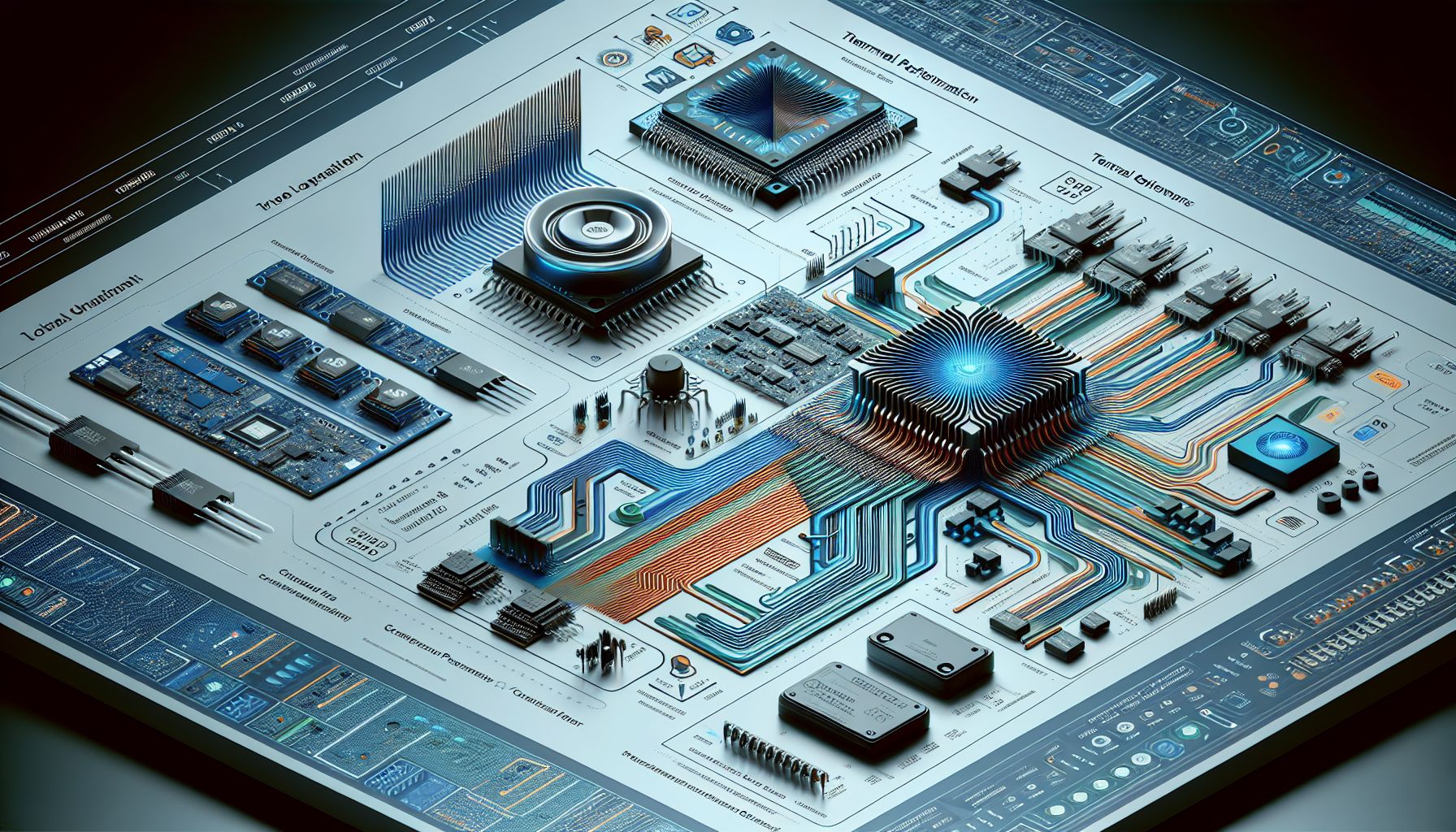
Allegro X PCB Editor offers cutting-edge tools for thermal performance optimization in PCB design. These advanced features enable designers to enhance component longevity and overall design stability, addressing the critical challenge of heat management in high-density electronic layouts.
The Importance of Thermal Management in PCB Design
In the realm of high-density electronic designs, the significance of thermal management cannot be overstated. As devices continue to grow in power and functionality, the heat generated by their components can lead to decreased performance and reduced lifespan if not properly managed. Allegro X PCB Editor provides designers with the necessary tools to strategically address these challenges, ensuring that heat is adequately dissipated and does not interfere with the functionality of other components.
Strategic Component Placement and Thermal Zones
A pivotal strategy in thermal optimization is the careful placement of components on the PCB. High-power components like processors and power transistors should be positioned away from heat-sensitive parts to prevent thermal interference. By grouping components based on their heat generation, designers can create dedicated thermal zones which effectively manage localized heating and minimize impact on other areas of the board[1].
Leveraging Thermal Vias and Copper Thickness
Thermal vias play a crucial role in enhancing heat dissipation. By placing thermal vias under components such as BGAs or power ICs, heat is transferred from the surface to internal layers, improving overall thermal management. Additionally, increasing the copper thickness on the PCB, such as opting for 2 oz or 3 oz copper layers, significantly boosts the heat dissipation capabilities, especially in high-current areas[2].
Advanced Software Tools for Thermal Analysis
Software tools like Celsius Studio enable designers to simulate and model heat distribution across their designs. This allows them to identify potential thermal issues early in the design process and refine their layouts accordingly. Such tools provide a comprehensive analysis, integrating computational fluid dynamics (CFD) and the finite element method (FEM), to offer insights that guide effective decision-making in PCB design[3].
Integrating Heat Sinks and Thermal Interface Materials
For high-power components, integrating heat sinks and thermal interface materials (TIMs) is essential. Heat sinks can be attached using various methods, such as thermal adhesives or screws, while TIMs like thermal pads help reduce thermal resistance, enhancing heat-transfer efficiency. These elements work together to maintain optimal operating temperatures and improve system reliability[4].
Conclusion: Achieving Optimal Thermal Performance
By leveraging Allegro X PCB Editor’s advanced tools and techniques such as strategic component placement, use of thermal vias, and integration of heat sinks, designers can optimize thermal performance in their PCB designs. This not only enhances the longevity and stability of electronic components but also ensures that devices operate efficiently under high-power conditions, meeting the growing demands of modern electronics.