Enhancing SPI Bus Design for Arduino Projects
N/A, Friday, 18 October 2024.
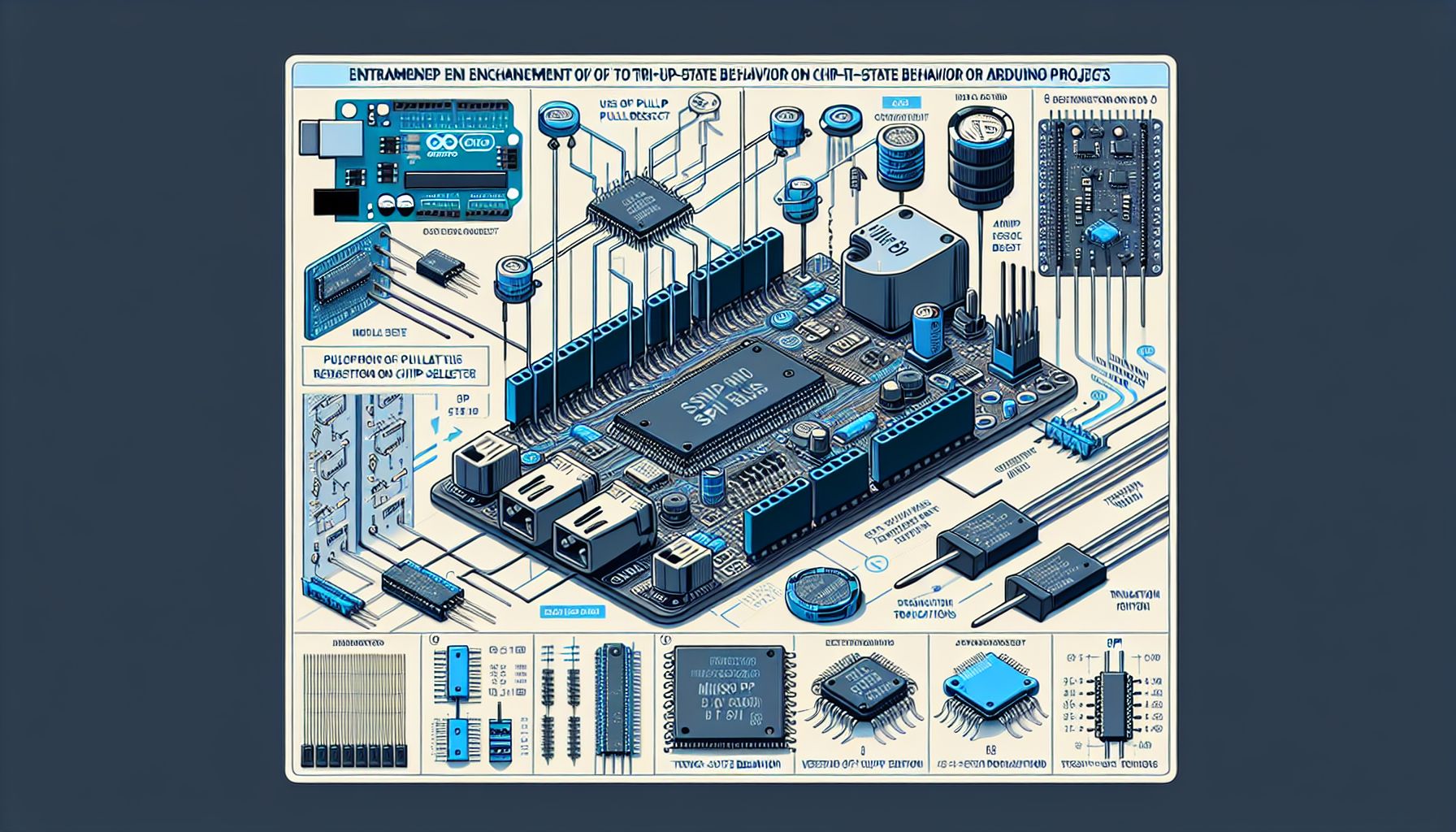
Arduino enthusiasts can improve their SPI bus designs by implementing three key steps: using pull-up resistors on chip select pins, verifying tri-state behavior on MISO lines, and employing SPI transaction functions. These enhancements address common weaknesses in Arduino SPI tutorials, ensuring better compatibility and performance in DIY electronics projects.
Understanding the SPI Bus
The Serial Peripheral Interface (SPI) is a synchronous serial communication protocol used primarily in embedded systems for short-distance communication between integrated circuits. Developed by Motorola in the early 1980s, SPI operates on a master-slave architecture utilizing four logic signals: Chip Select (CS), Serial Clock (SCLK), Master Out Slave In (MOSI), and Master In Slave Out (MISO). This protocol is favored for its full-duplex communication capability and higher throughput compared to other serial interfaces like I²C[2].
Importance of Pull-up Resistors
In SPI communication, using pull-up resistors on chip select pins is crucial. These resistors ensure that all chip select signals start high, preventing unintended communication with uninitialized devices. Without pull-up resistors, the risk of signal integrity issues increases, potentially leading to device conflicts and erratic behavior[1]. This technique is particularly vital in Arduino projects where multiple devices share the same SPI bus.
Ensuring Tri-state Behavior
Verifying tri-state behavior on MISO lines is another important step. Devices should disconnect their MISO pin when the chip select is high to prevent contention on the shared MISO line. For Arduino shields and breakout boards with improper MISO behavior, incorporating a tri-state buffer is recommended. This practice ensures that only the selected device communicates over the bus, maintaining data integrity and preventing signal interference[1].
Utilizing SPI Transaction Functions
The use of SPI transaction functions is a modern approach to managing bus access. Newer versions of the Arduino SPI library support transactions, allowing for consistent settings and exclusive bus use by devices. Implementing these functions ensures that each device can operate without interference from others on the bus. A typical SPI transaction sequence involves calling SPI.beginTransaction(SPISettings(...));, setting the chip select pin low, and ending the transaction with SPI.endTransaction();. This structure promotes optimal performance by selecting the fastest clock speed available, tailored for different boards[1].
Real-world Applications and Further Learning
Applying these SPI bus design improvements can significantly enhance the reliability and efficiency of Arduino-based projects. Whether interfacing with sensors, memory devices, or communication modules, these practices ensure robust performance. For those interested in delving deeper into SPI communication and its applications, resources such as the official Arduino documentation and community forums provide valuable insights and support. Additionally, the article ‘Better SPI Bus Design in 3 Steps’ offers a practical guide to implementing these techniques[1].