DIY Halloween PCB Project Illuminates Electronics Creativity
Shenzhen, Thursday, 17 October 2024.
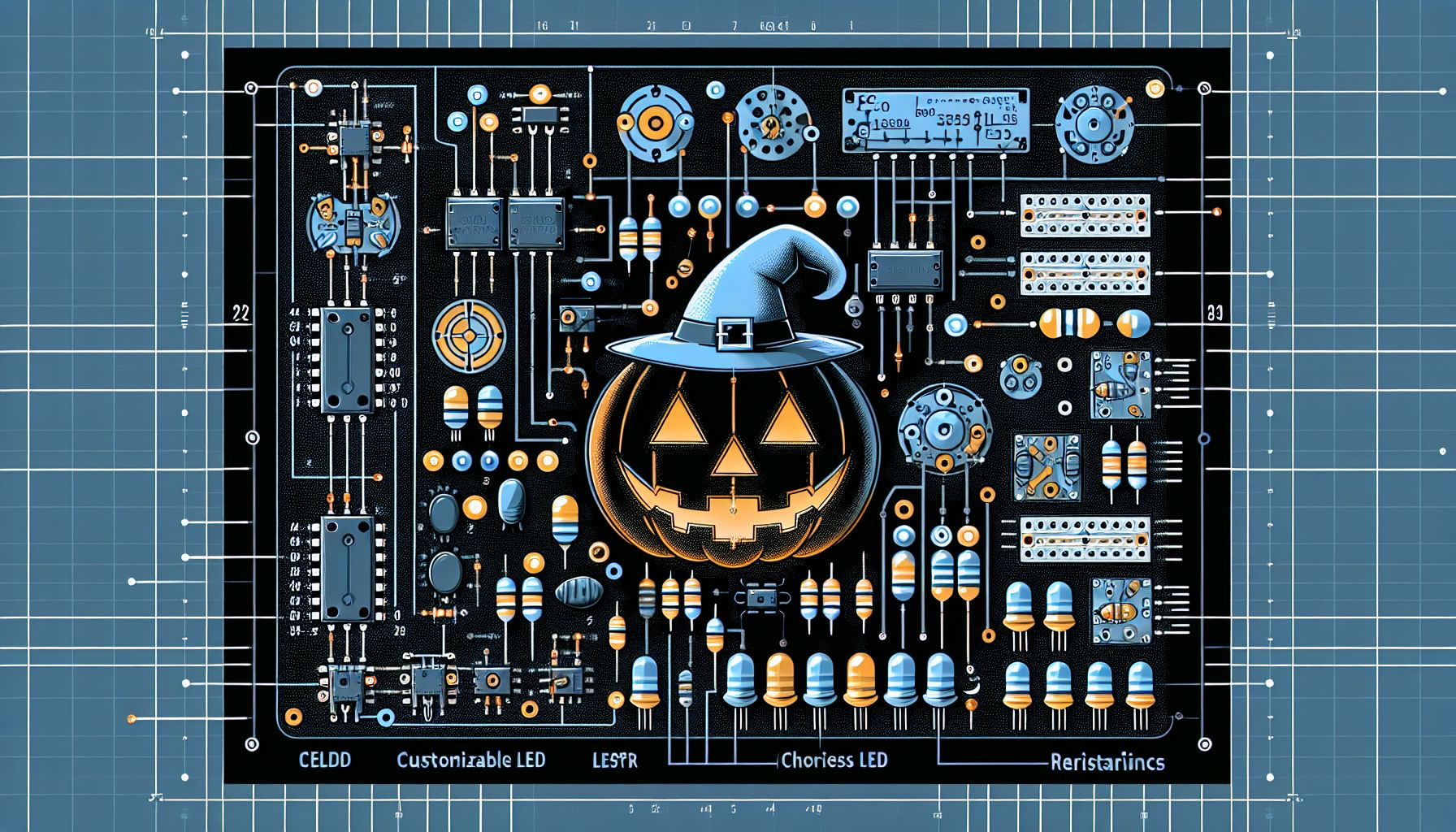
A new DIY electronics project for Halloween enthusiasts combines festive spirit with technical skill. The PCB design features customizable LED colors and resistor configurations, offering a unique blend of holiday celebration and hands-on electronics experience.
Introduction to the Halloween PCB Project
This Halloween, electronics enthusiasts have the opportunity to blend their creativity with technical prowess through a new PCB design released on PCBWay. This project is crafted using KiCad, a powerful free tool, allowing users to create a circuit that perfectly embodies the Halloween spirit. The design integrates strategically placed LEDs that can be customized to highlight the spooky aesthetics of the occasion.
Components Required
To embark on this DIY project, you’ll need several key components. The essential materials include a PCB designed with Halloween motifs, a selection of LEDs for customizable lighting effects, and resistors which are generally 50Ω, although this can vary based on LED color preferences. Additionally, solder jumpers are included for configurations that do not require resistors. A soldering kit and basic tools for PCB assembly will also be necessary.
Understanding the Circuit Design
The circuit design is not only functional but also visually appealing. It features a compact layout, with dimensions approximately 56 mm in height and 40 mm in width, ensuring it fits seamlessly into any Halloween décor. The placement of LEDs is strategic, intended to illuminate the design and provide a captivating glow. The circuit’s flexibility allows for variations in resistor values, depending on the specific LEDs used, ensuring optimal performance and customization.
Step-by-Step Assembly Guide
Begin by gathering all necessary components and tools. Carefully follow the schematic diagram provided by the KiCad design files. Start by soldering the resistors onto the PCB, followed by the LEDs, ensuring the correct polarity is observed. Utilize the solder jumpers for any configurations that do not require resistors. Once all components are securely attached, test the circuit by powering it on to ensure all LEDs illuminate as intended. Adjust resistor values if necessary to achieve the desired brightness and color effect.
Adding Code for Dynamic Lighting Effects
For enthusiasts looking to enhance their project, integrating a microcontroller such as an Arduino can provide dynamic lighting effects. Simple code snippets can be uploaded to create patterns, such as flickering or fading lights, adding an interactive element to the design. This step elevates the project, allowing for a truly customized and engaging Halloween experience.
Conclusion and Final Thoughts
This DIY Halloween PCB project not only celebrates the holiday but also offers a valuable hands-on experience in electronics design. By combining creativity with technical skills, hobbyists can create a unique decoration that stands out. The integration of customizable LEDs and the potential for dynamic effects make this project both educational and entertaining, perfect for both beginners and advanced users.