Python 3 Enhances LED Display Modules on Raspberry Pi
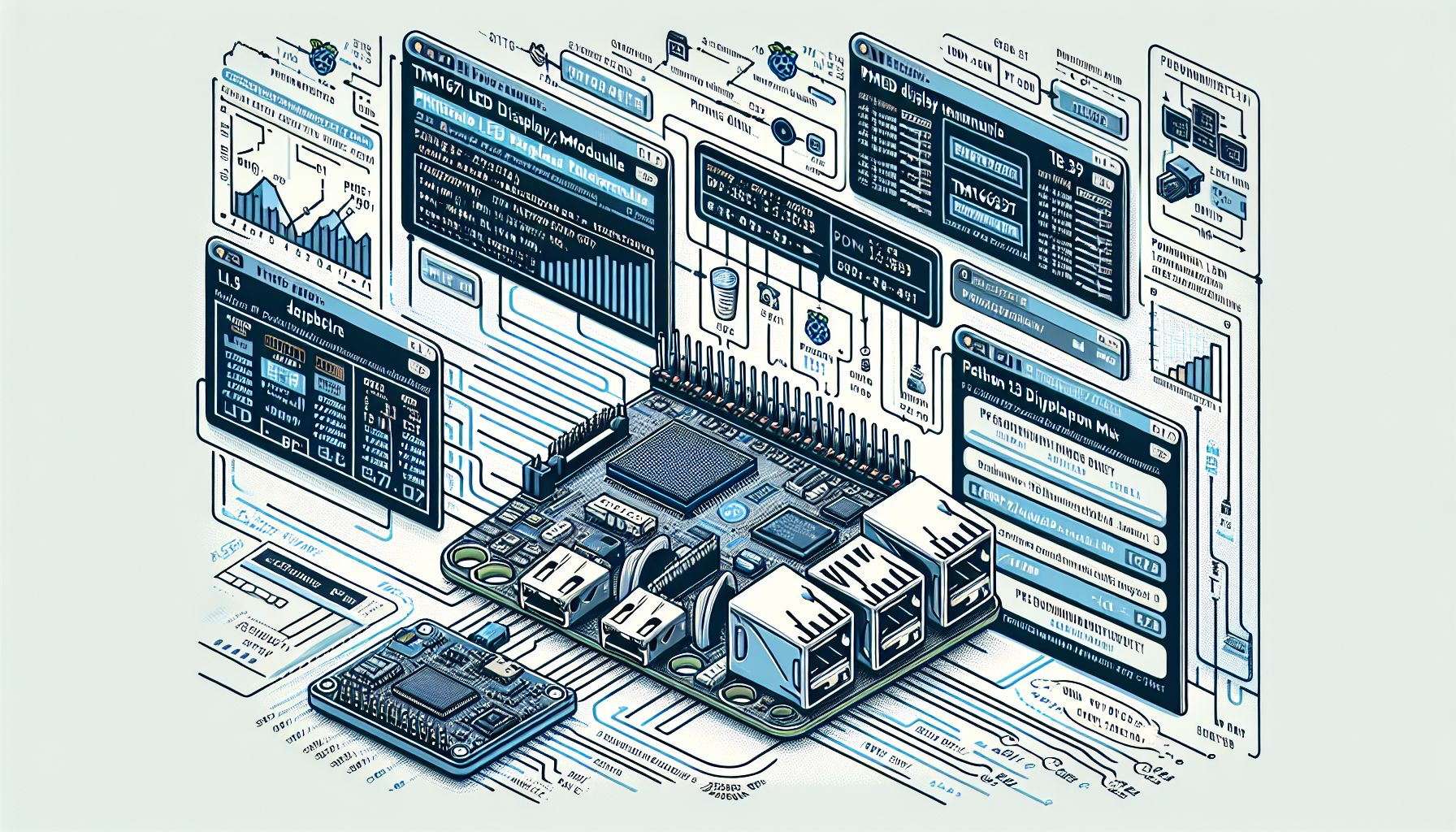
San Francisco, Saturday, 21 December 2024.
A new GitHub project ports MicroPython to Python 3, enhancing TM1637 LED display module functionality, simplifying usage, and expanding capabilities for Raspberry Pi developers and hobbyists.
Technical Implementation Details
The project provides comprehensive support for TM1637-based quad 7-segment LED displays, featuring capabilities to display numbers from -999 to 9999, as well as hexadecimal values from 0000 to FFFF [1]. Installation is streamlined through pip with a simple command: ‘pip3 install raspberrypi-tm1637’ [1]. The implementation includes essential methods for brightness control and segment manipulation, with binary and hexadecimal representations for digits 0-9 and letters A-F [1].
Integration with Raspberry Pi Ecosystem
This development aligns well with the Raspberry Pi’s extensive GPIO capabilities, particularly leveraging the 40-pin header interface available on current Raspberry Pi models [4]. The project’s compatibility with Python 3 makes it especially valuable for modern Raspberry Pi development, where developers can take advantage of the board’s quad-core processing power and robust I/O options [4]. This integration enables developers to create sophisticated display applications while maintaining simple implementation patterns [1].
Growing MicroPython Ecosystem
The project emerges amid a flourishing MicroPython development landscape, as evidenced by recent additions to the MicroPython library ecosystem [3]. As of December 2024, the MicroPython community has seen significant growth in available resources, including various display drivers and sensor libraries [3]. This particular TM1637 implementation joins a broader collection of display-related libraries, contributing to the expanding toolkit available for embedded systems developers [3].
Practical Applications and Usage
The library offers practical functionality for common display needs, such as temperature display capabilities and string representation [1]. Developers can implement basic usage patterns with minimal code, as demonstrated by the simple initialization syntax: ‘import tm1637; tm = tm1637.TM1637(clk=5, dio=4)’ [1]. This accessibility makes it particularly suitable for educational projects, home automation systems, and IoT applications [4], where clear numerical display output is essential.