Raspberry Pi Pico: Mastering Servo Control with MicroPython
Cambridge, Saturday, 2 November 2024.
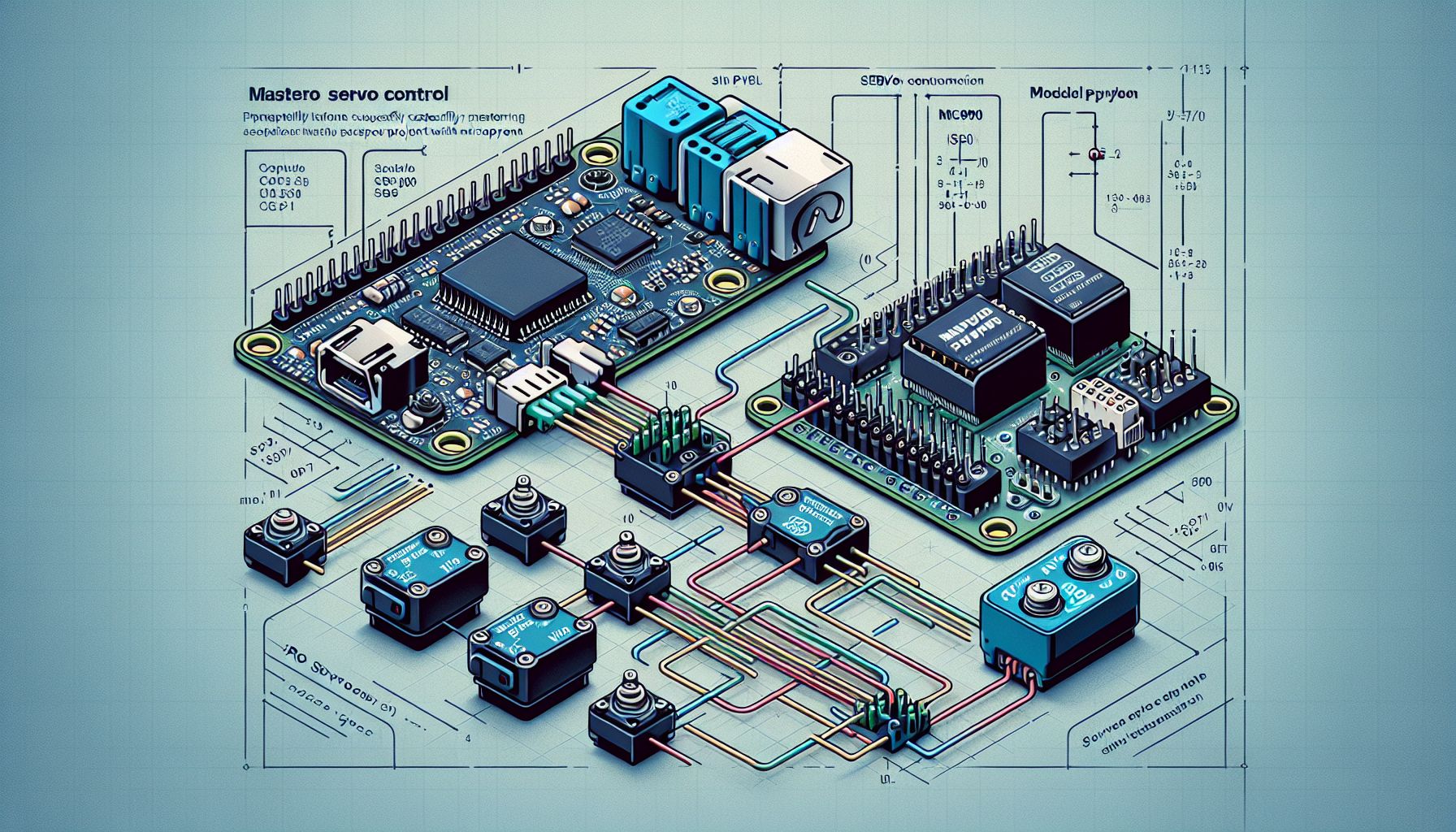
Learn to control servo motors precisely using the Raspberry Pi Pico and MicroPython. This tutorial covers PWM signal generation for popular models like SG90, offering valuable insights for electronic project enthusiasts seeking to add motion to their creations.
Understanding PWM and Servo Motors
Servo motors, such as the SG90 and S0009, are popular in electronics due to their ability to provide precise control over angular motion. These motors are operated using Pulse Width Modulation (PWM) signals, which dictate the angle to which the servo turns. The PWM signals are essentially a series of electrical pulses where the length of the pulse determines the position of the servo arm. For instance, a pulse width of 550 microseconds might position the servo at 0 degrees, while a pulse width of 2400 microseconds positions it at 180 degrees[1].
Setting Up the Raspberry Pi Pico
To begin working with servo motors using the Raspberry Pi Pico, ensure that you have the necessary components: a Raspberry Pi Pico, a servo motor like the SG90, jumper wires, and a breadboard. The Pico needs to be programmed with MicroPython, which is a streamlined version of Python designed to run on microcontrollers[2]. You can flash the MicroPython firmware onto the Pico using a UF2 bootloader. This involves connecting the board in bootloader mode and copying the firmware file to the USB device that appears[3].
Practical Application and Coding
Once the setup is complete, you can write and upload code to control the servo motor. Using the Thonny IDE, you can program the Pico to send PWM signals to the servo. An example code snippet moves the servo to 0, 90, and 180 degrees with a delay between moves. This involves creating a servo object and defining the PWM frequency at 50 Hz. The code must handle exceptions, such as keyboard interrupts, to stop the PWM signal if needed[1].
Expanding Your Knowledge
For those interested in furthering their understanding of electronics and programming, additional resources and tutorials can be invaluable. Random Nerd Tutorials offers a range of guides for projects involving the Raspberry Pi Pico, such as controlling DC motors and using PIR sensors for motion detection[4]. Moreover, the Raspberry Pi forums and the MicroPython documentation are excellent resources for troubleshooting and expanding on basic projects[5].